The task is ready,
the answers are marked
A task from a topic, a file or your syllabus in about a minute. Students do it on their phones or on paper, Bilimlink marks it, and you see the results, ready.A task from a topic or a file in about a minute. Students do it on their phones or on paper, and Bilimlink marks it.
- Online or on paper
- No student accounts
- In Uzbek, Russian and English
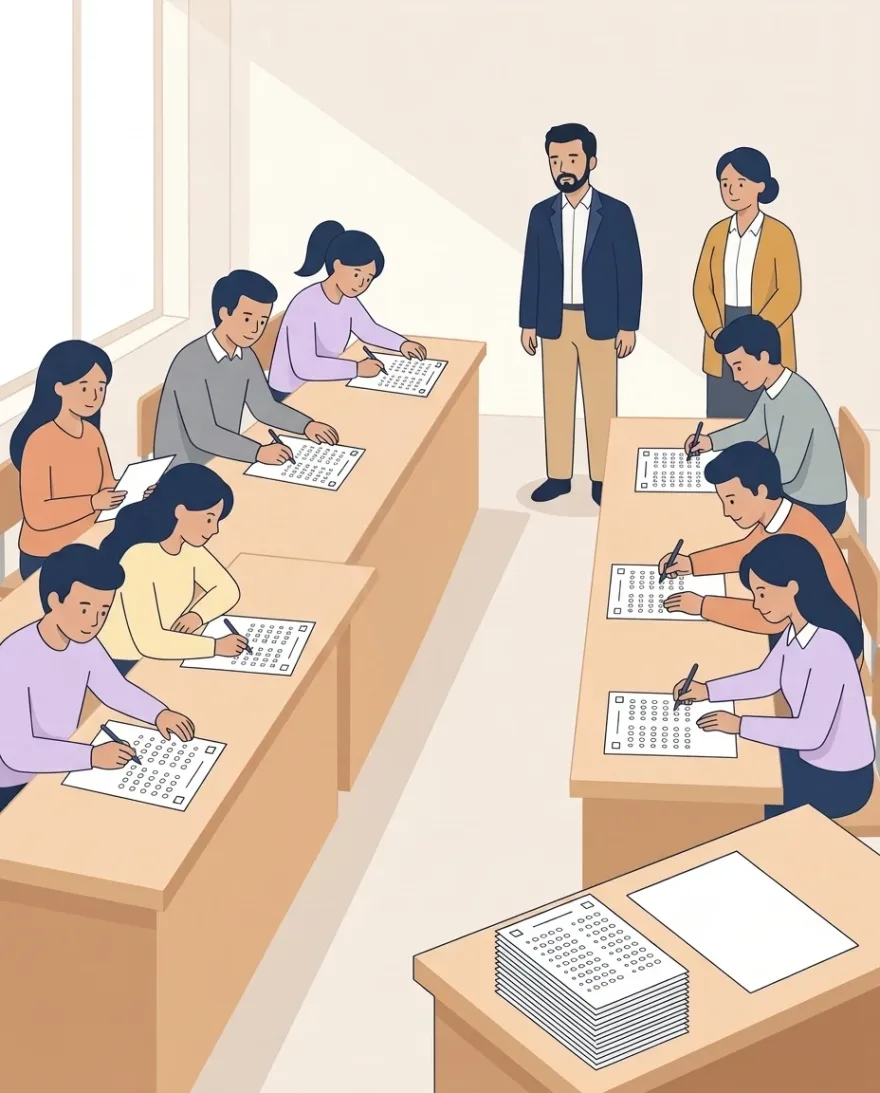 Writing on paper
- Online or on paper
- No student accounts
- In Uzbek, Russian and English
Who it's for
It works the same in a lecture hall, a learning centre and a tutor's lesson.
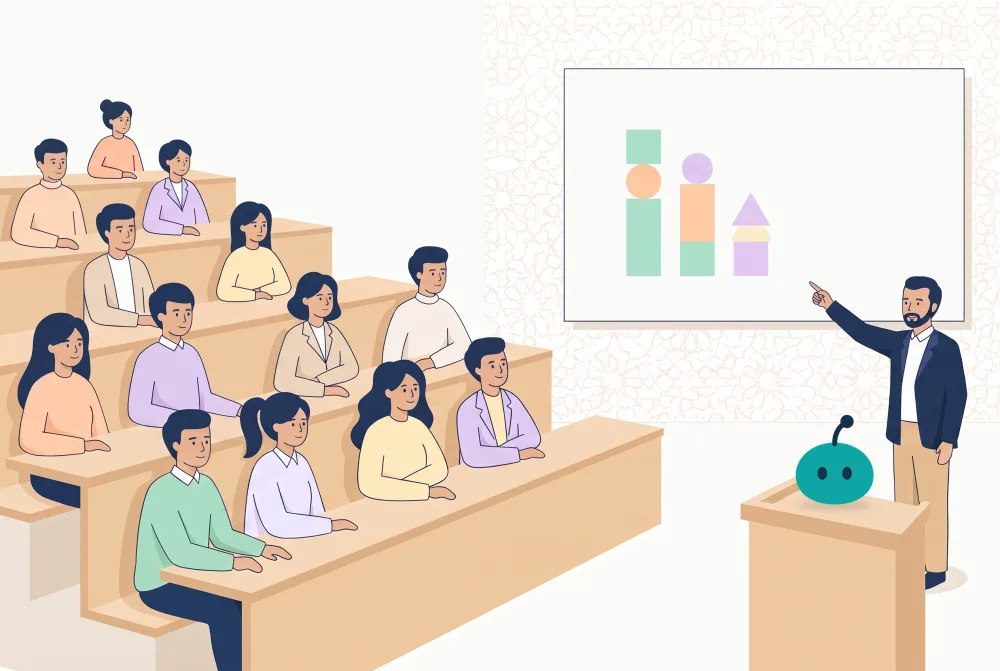 Students · groups
Universities and institutes
Upload your syllabus and prepare a task for each week's topic. Each group gets its own link, and the results are shown group by group.
SyllabusGroups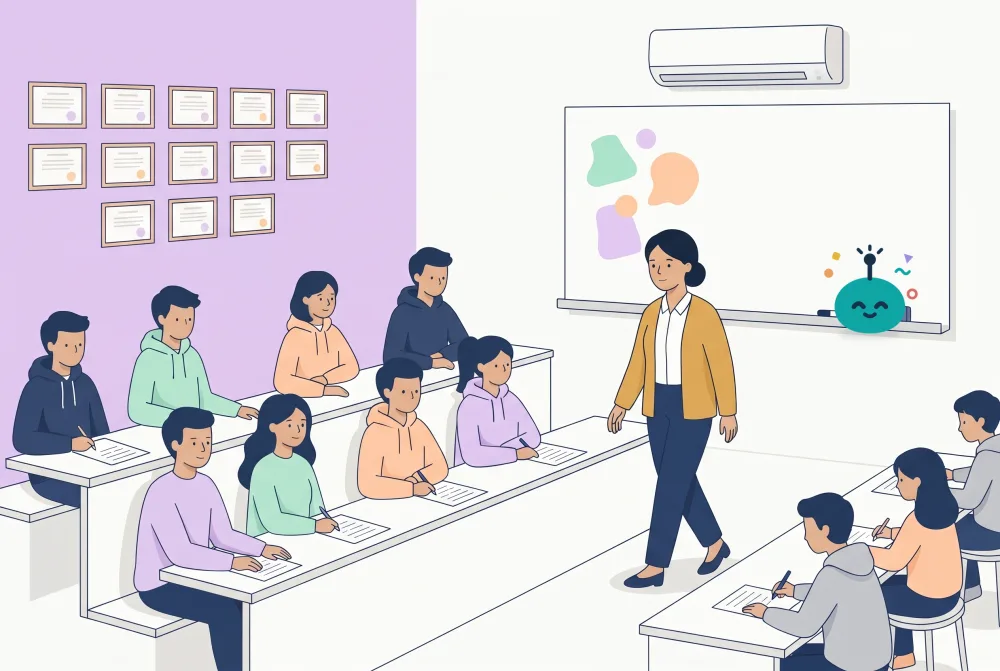 Learners · groups
Learning centres
Set homework for each group. The bot announces it in the group's Telegram chat, learners do it on their phones, and the results come back marked.
HomeworkTelegram group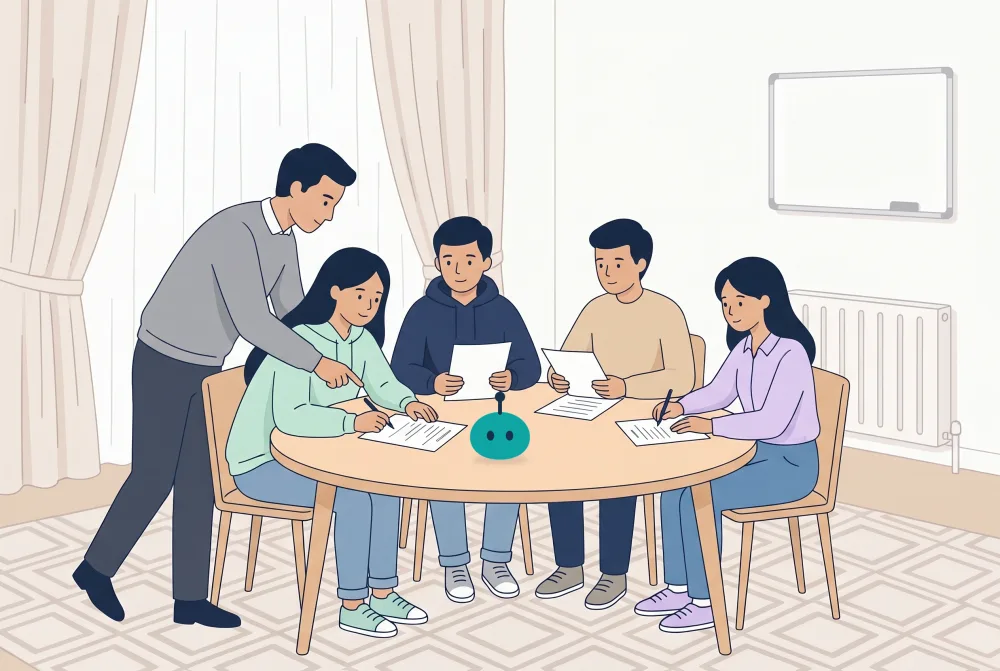 IELTS, national certificate, DTM
Tutors
Give your small group a test: on paper or by link, with no account for the learner. The results come back marked, and you see straight away which question was hard.
By linkNo account
How it works
Three steps from your material to marked results. See it in a minute:
Give it your material
A PDF, PowerPoint, Word file, picture, your syllabus or a YouTube link. Or just type the topic.
Look the task over
In about a minute the questions are ready. Tap any text to fix it, or ask for a change in plain words.
Get the marked results
Students answer online or on paper. Bilimlink marks it, and you look at the doubtful answers yourself.
Give it on paper. Let Bilimlink do the marking.
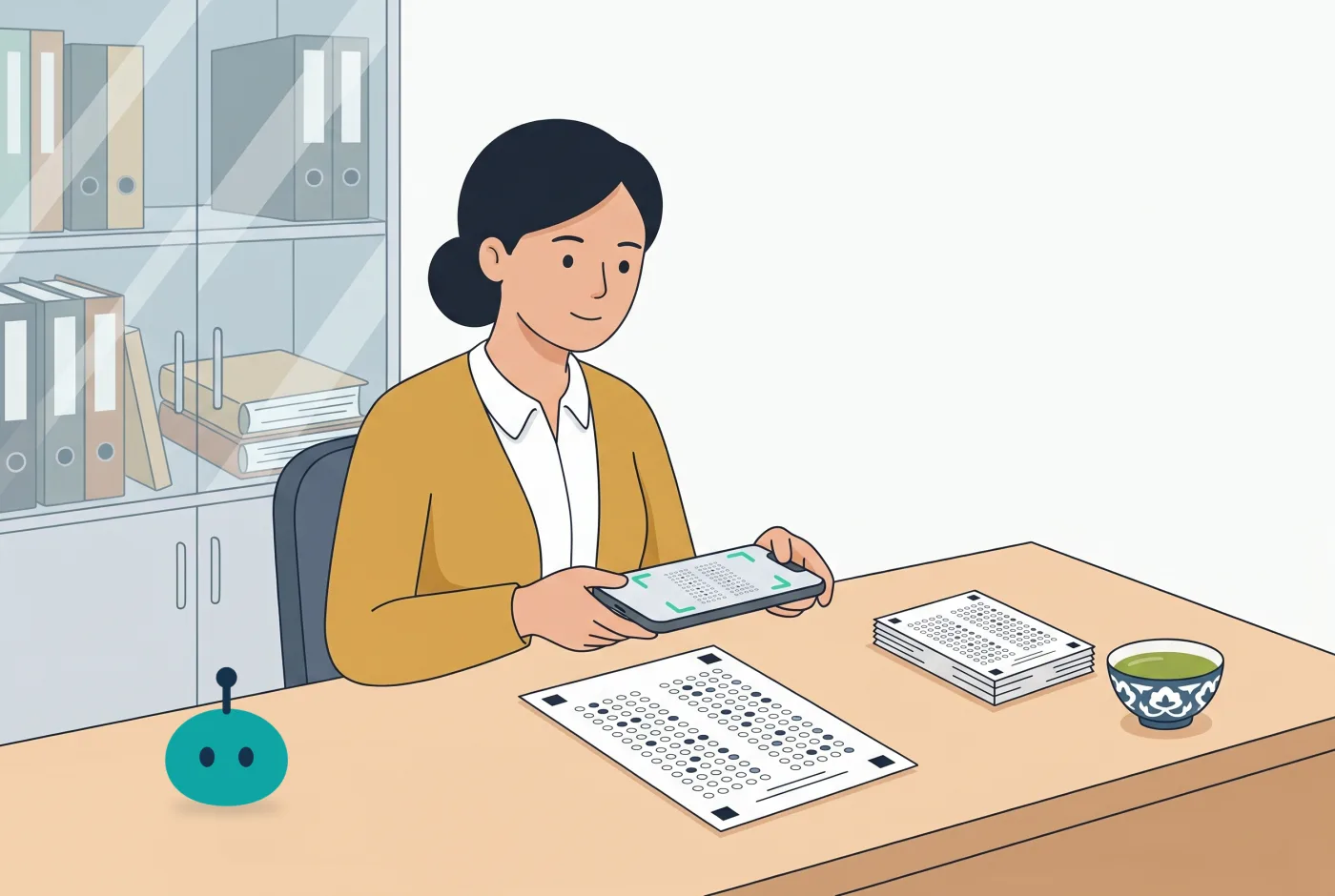
Students write by hand, as usual. At the end of the lesson they photograph their answer sheet with their phone or hand it to you, and Bilimlink reads the answers and marks them.
- Print the question paper once; after that, only the answer sheets are printed.
- No phone? Scan the sheets yourself: pick the student's name and take the photo.
- Hard-to-read answers are flagged, and you can change any mark at any time.
If the questions are in a book or a printed test, you type only the key: Bilimlink makes the answer sheet.
Online: by link or QR code
Send the link to the group chat or show the QR code on the screen. Students answer on their phones, and the results come in as the answers do.
Every student gets their own results page: all their tasks and how they grow, behind one link.
Interactive games
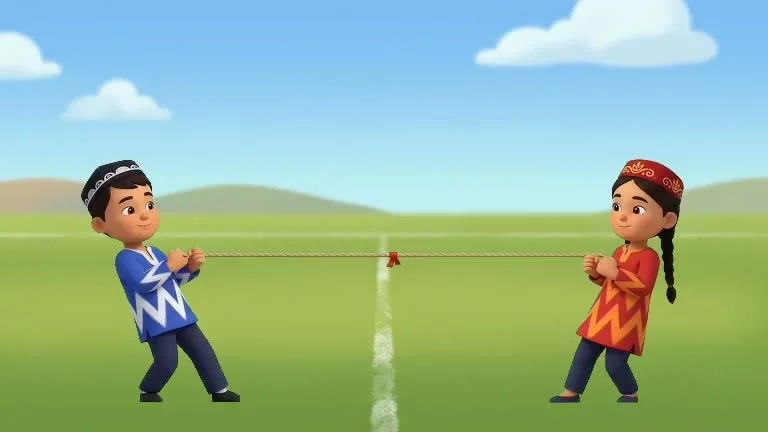
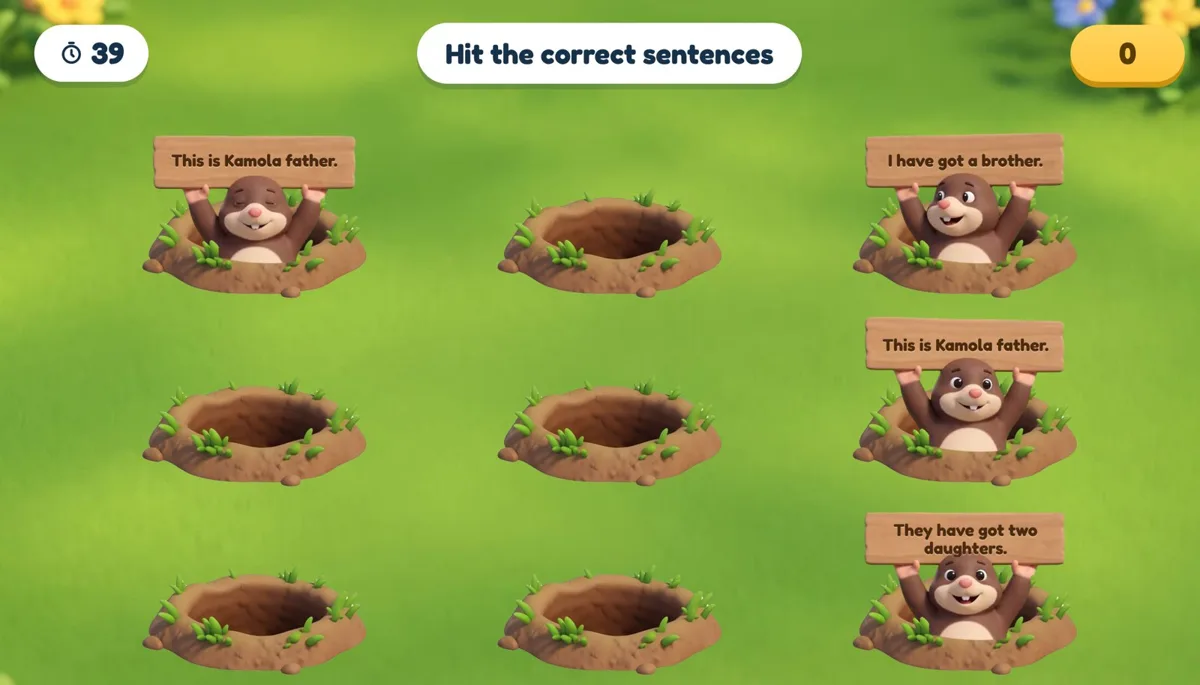
Review the topic on the board, with the whole class. The games are ready from your own file in a minute. Groups compete, and the topic sticks.
Review
Go over the whole topic fast
Quiz show · Tug of warVocabulary
Match words and meanings
Match up · Find the matchSpelling
Build the word from its letters
AnagramSpeaking
The wheel picks a question, a student answers
Spin the wheel
An announcement in the group chat, and a results report
The bot announces the task in the group's Telegram chat. When the deadline passes, it makes a report with only the good results. Nothing goes to the group until you approve it.
 BilimlinkNew taskPresent Perfect: life experiencesDue: 3 October, 18:00Start09:02
Start free, move to Ustoz whenever you like
New teachers get 14 days of Ustoz free. Online answers are never limited.
Bepul
0 soʻm
Every month:
- Worksheets
- 3
- Interactive games
- 3
- Worksheets from YouTube
- 1
- Paper sheets checked
- 50
Ustoz
14 days free59,000 soʻm / month
39,000 soʻm for the first 100 teachers
Pay by 15 December and keep this price for 12 months
- Worksheets
- 40
- Interactive games
- 40
- Worksheets from YouTube
- 15
- Paper sheets checked
- 300
Learning centres
Price by agreement
Ustoz for all your teachers on one account. We agree the price together, by the number of teachers.
Write on TelegramDo students need an account?
No, and no app either: opening the link or scanning the QR code is enough. If you work on paper, you scan the sheets yourself.
What files can a task be made from?
A PDF, PowerPoint, Word file, picture, your syllabus or a YouTube link. No file? Type the topic. In Uzbek, Russian and English.
What if the AI makes a mistake?
It can, so you look the task over before you give it. Doubtful answers are flagged, and you change the mark yourself.
Are the interactive exercises free?
Yes, they are on every plan: 3 a month on Bepul, 40 on Ustoz. And the first week is a gift from us.
Do maths formulas show correctly?
Yes. Fractions, powers, roots and other formulas show correctly on screen and on paper.
How do I pay?
By card transfer. After paying, tap «I paid»; once it is confirmed, Ustoz starts.
What if I don't pay?
Nothing is lost: you stay on Bepul, and your worksheets and results are kept.